Vintage Story server hosting with mods
A Vintage Story server gives your group a shared world that keeps going between sessions. With ValueGameNode's Vintage Story hosting you get instant setup, DDoS protection, NVMe storage, panel backups and full file access. The plan grid above shows the memory, storage, backup slots and ports for each plan.
Install mods with full file access
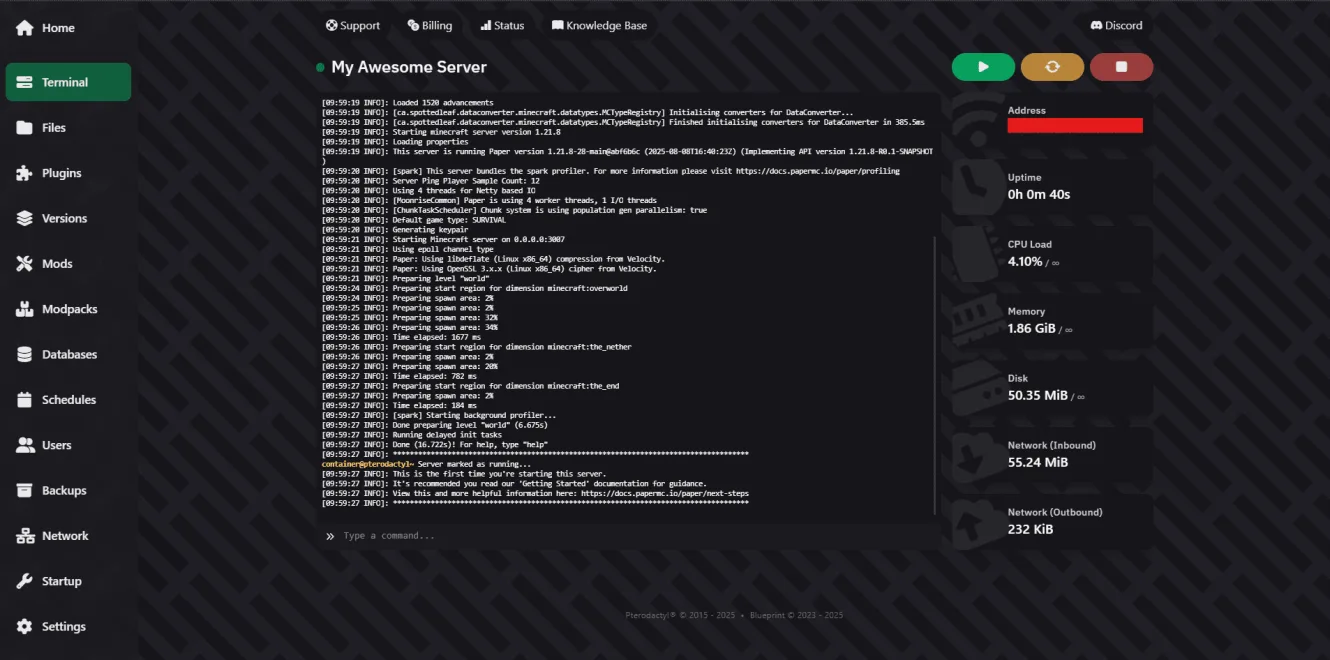
Vintage Story mods are files. Download them from the official Vintage Story mod database and upload the .zip files, unextracted, to your server's data/Mods folder with the file manager or an SFTP client. Then restart and read the console.
A few habits prevent most problems:
- Check that each mod supports the game version your server runs.
- Players usually don't install server mods by hand: the game offers to download them when they join. Client-only mods are each player's own choice.
- Add a few mods at a time, so you know which change broke something.
- Make a backup before mod changes and game updates.
- Keep a list of every mod and its version.
Bring your existing world
Already playing in single player or on your own computer? A Vintage Story world is a single .vcdbs save file. Stop the server, upload the file, point the server at it and start again. Run the same game version the world was last saved with, and have the mods it uses. The Vintage Story server setup guide covers every step, including where to set the world in serverconfig.json. Keep the original file until your group has played on the new server for a while.
What plan size fits your group
Memory use depends on what the server is doing, not on a player count printed on a plan card. Three things matter most: how many mods you run, how much of the world players have explored, and how many people are online at the same time. A small group on vanilla can start with a small plan. A modded world or a bigger group should start higher. Leave disk room for the world to grow and for backups. You can change plans later from your dashboard.